
Open the gmail app on your mobile device.
- Tap on the profile image and click- 'add another account"
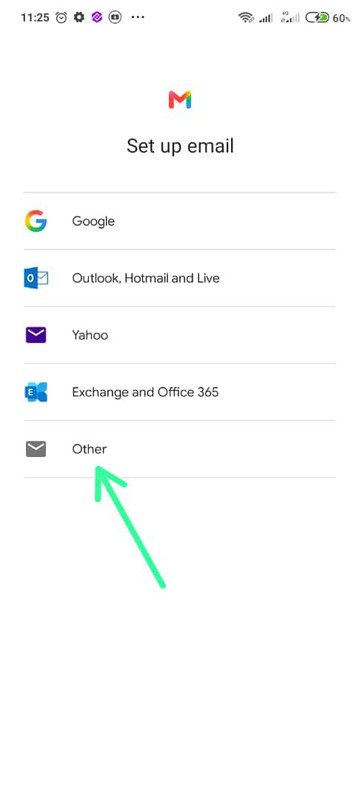
- Select "Other"
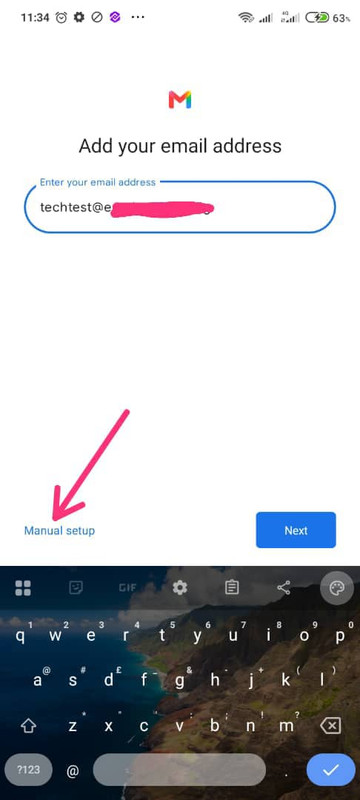
Add your email address and select "manual setup"
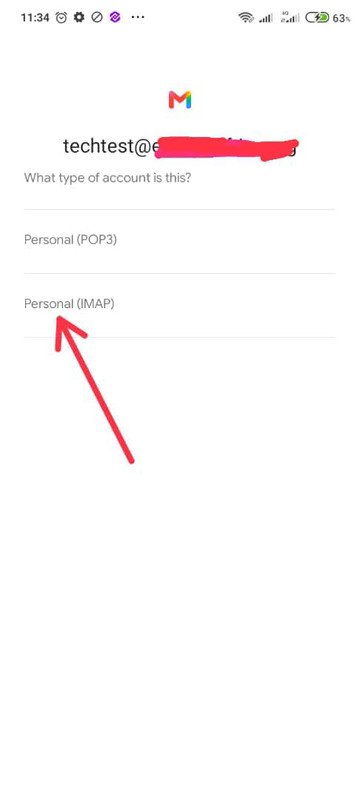
Select Personal(IMAP)
For the Incoming Mail Server, enter:
Username: your full email address you wish to set up
Password: your email password
Server: mail.yourdomain.com
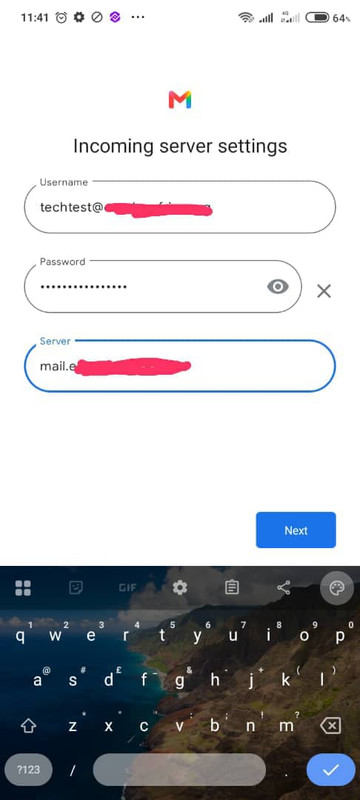
For the Outgoing Mail Server, use the same details, then tap Next.
For the sync frequency check all boxes and select every 15 minutes.
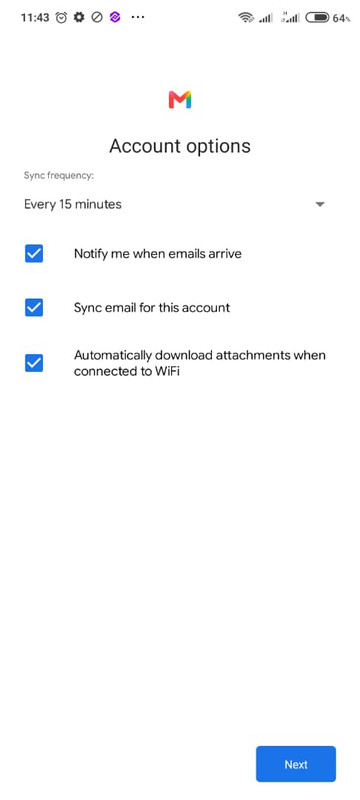
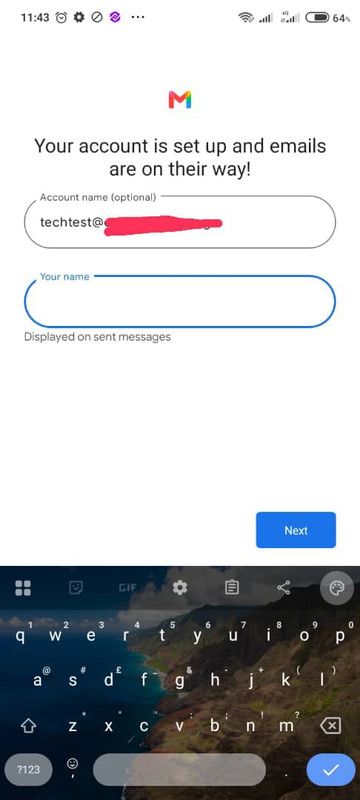
Awesome! And your email is set up and are on the way. Give it a few minutes to sync.